Slicers and Timelines in a Pivot Table
You can use slicers to filter a pivot table using, just as you would in a table.
If there are date fields in the table, the data can also be filtered by timeline.
The Objective
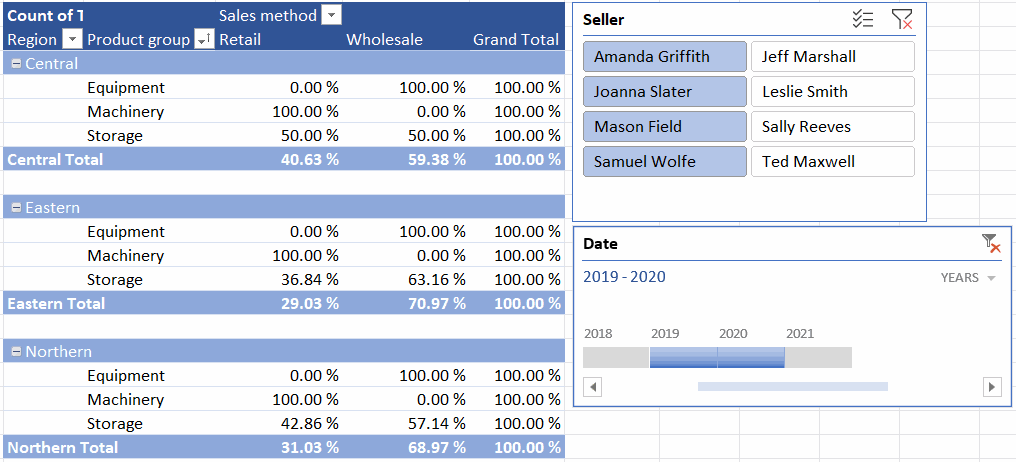
In the Sales by region* table, a slicer that selects sellers and a timeline have been added. The pivot table has been cropped to show sales in 2019-2020 for sellers Amanda Griffith, Joanna Slater, Mason Field and Samuel Wolfe. Model:
Task: Add a slicer for the Seller field
Go to the Sales by region tab.
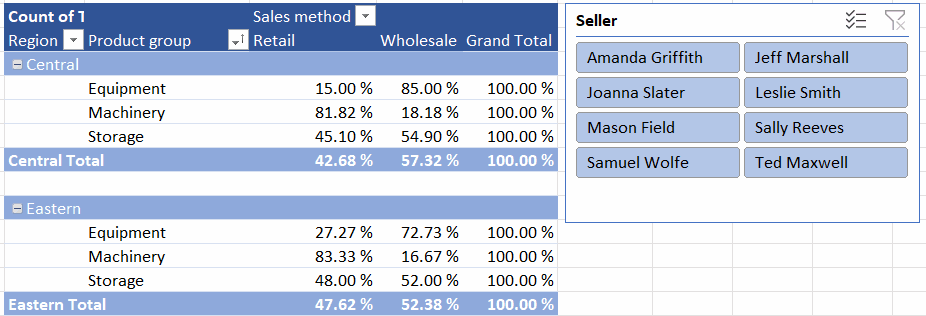
Add a slicer to the Seller field.
Change the location, size and settings of the slicer to your liking.
Model:
Task: Add a Date field to the timeline
Go to the Sales by region tab.
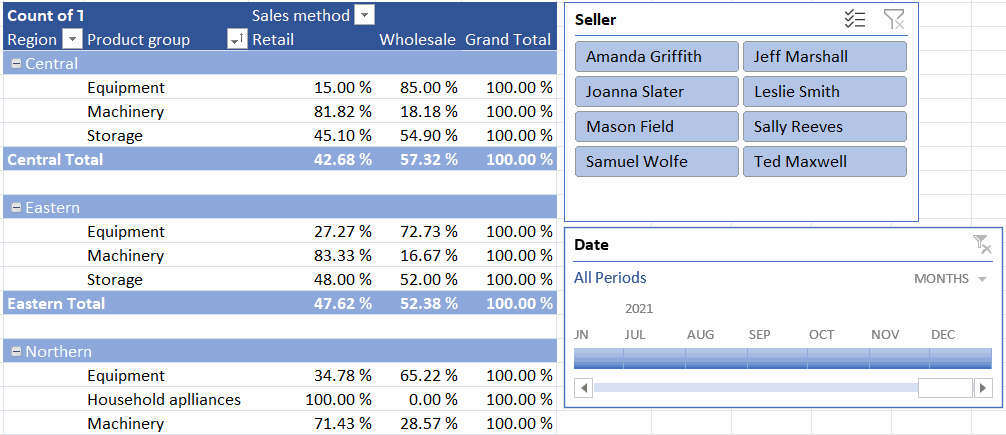
Add a timeline to the Date field
Model:
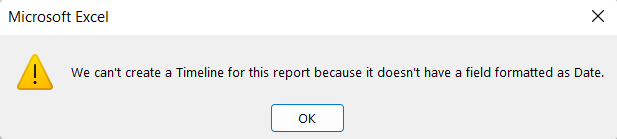
Problem: Excel informs that there is no date field in the report data
When adding a timeline, you may get an error message saying that there is no date field in the data. In this task it means that not all data in the date field are dates.
Check the last line of the Sales table (where you entered the data) to see if the date was entered correctly. Please re-enter the information.
Go back to the Sales by region page and update the pivot table.
Now try adding the timeline again.
Task: Review sales for 2019-2020, limiting sellers
Filtering sales data by a date field (Date) would usually be impractical, as each day would be a separate option in the filter. The timeline allows filtering by time intervals, for example months and years. When combined with filtering by seller, it is possible to view, for example, the sales of specific sellers in specific years.
Review the sales for 2019-2020 for Amanda Griffith, Joanna Slater, Mason Field and Samuel Wolfe.
Model:
We are approaching the end of this last chapter. We will go through the grouping of the pivot table and finally we will add a chart to the table. Shall we move on to grouping?