Fast lane
The course is intended to be completed in sequence. However, if you already know the basics of Word, you can skip the first chapter by creating and returning a document following the instructions below.
Points of interest
Here are some tips of some materials that may be unfamiliar, even if you know the basic use of Word:
- On the page Basics of Text Processing, the use of formatting characters and the stylen Heading 1 and Heading 2
- On the page Document layout, the use of the Design tab
- The page Hanging Intendation and the Ruler, where you learn how to make margin headings
Would you after all want to return to the normal course? All good, most learners report finding new and interesting things they didn't even know they were missing.
Downloading the base document
Download the document Word1_Quick_Lane.docx.
Word1_Quick_Lane.docxWe will add an image to your document. You can use the image of your choice, or you can download the image used in the template file here picture.jpg.
picture.jpg
The Objective
Customize the document you have uploaded so that it resembles the template below. For more information, click on the hot spots in the image below.
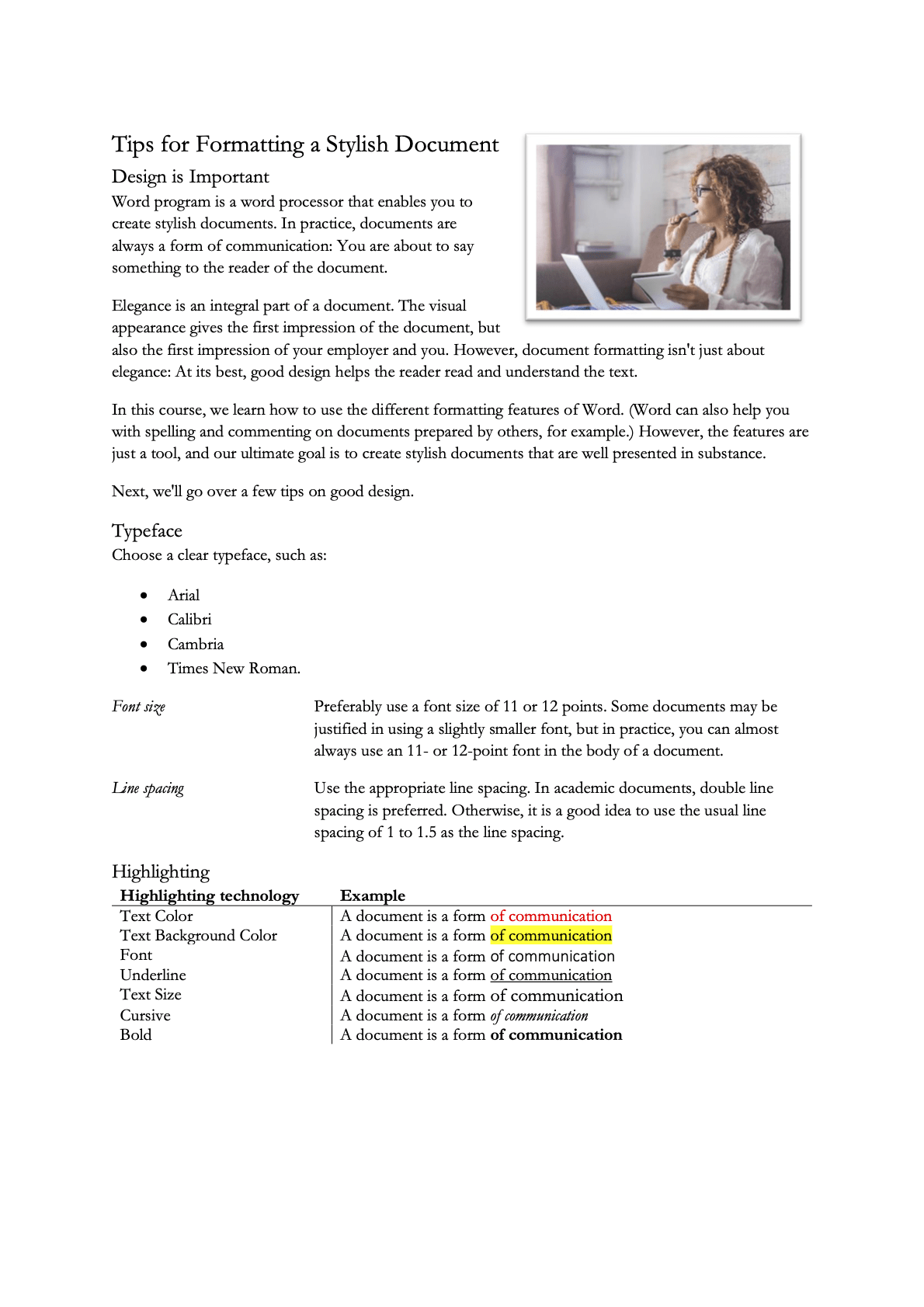 HeadingsFormat all headings in the document using the **Heading 1** and **Heading 2** styles.
Use **Design** tab to format the document and from there specifically
- font size
- paragraph spacingImageThe document contains a picture.
Format the picture so that it is neatly in the document. The picture is:
- Set to wrap with text
- Reduced in size
- Moved so that the picture is aligned with the title and the margin
- The picture has bordersListThe document contains a list that correctly uses bullet pointsHanging indentationThe document uses a hanging indentation with a Tab to create side headings.
The side headings are in italics.
In addition to this, you also understand how the indentation works.TableThe document has a table that is stylized as shown in the example:
- The title row is formatted differently
- Table borders are as in the example
- The column widths of the table have been adjustedFind and replaceAll 'font' words are replaced by 'typeface' except when part of the term 'font size'.Other functionalitiesYou are also able to use the following functionalities:
- Removing formatting
- Copying formatting
HeadingsFormat all headings in the document using the **Heading 1** and **Heading 2** styles.
Use **Design** tab to format the document and from there specifically
- font size
- paragraph spacingImageThe document contains a picture.
Format the picture so that it is neatly in the document. The picture is:
- Set to wrap with text
- Reduced in size
- Moved so that the picture is aligned with the title and the margin
- The picture has bordersListThe document contains a list that correctly uses bullet pointsHanging indentationThe document uses a hanging indentation with a Tab to create side headings.
The side headings are in italics.
In addition to this, you also understand how the indentation works.TableThe document has a table that is stylized as shown in the example:
- The title row is formatted differently
- Table borders are as in the example
- The column widths of the table have been adjustedFind and replaceAll 'font' words are replaced by 'typeface' except when part of the term 'font size'.Other functionalitiesYou are also able to use the following functionalities:
- Removing formatting
- Copying formattingReturn
Return the assignment by sending it as an email attachment to [email protected]. Write Word 1 fastlane assignment in the subject line of the email.
Have you returned the task?