List Markers and Numbering
Lists are one of the most effective ways of directing the reader's attention. When you scroll through a document quickly, the eye is easily drawn to the lists. Listing also gives structure to the text when we use sub-lists. Make use of lists where possible. For example, it is often worth writing instructions in lists.
The Objective
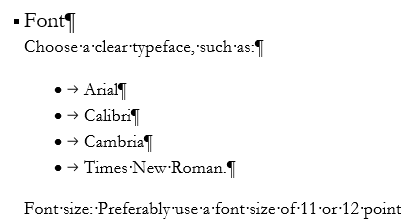
On this page, we format the text in a document using a list that might look like this:
Accessibility and lists
Lists are a good way to structure information in an accessible way. However, there are a few things to remember here too.
Task: Format the text as a list
You can format the text as a list in two ways: either by typing or by using the ribbon. If you want, you can experiment with formatting by writing.
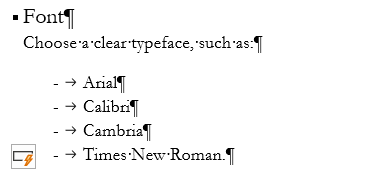
If you typed in your list entries, your list might look like this. Note also the AutoCorrect Options button next to the last list item.
Task: Change the list marker used
Change the list marker you want to use. After changing the list marker, the list may look like this: