Preview — Office Skills Accelerator course materials (EN). Not production.
Page 8 / 10
Screen Capture Video
You can make a screen recording directly with PowerPoint. “Screen recording” is a video where you record your own use on the screen. You can also add a voice-over to the screen recording.
Screen recording is a good feature, especially when the material you need to show exists in other windows and programs. Sometimes with a short video, you can describe something very challenging to explain in words. Slides become clearer by combining images and video.
Next, let's practice creating screen recordings with PowerPoint. Finally, we will also get to learn about the subtitling of videos.
Downloading the base file
In the subtitling exercise, you can use the pre-made file video_subtitles.vtt.
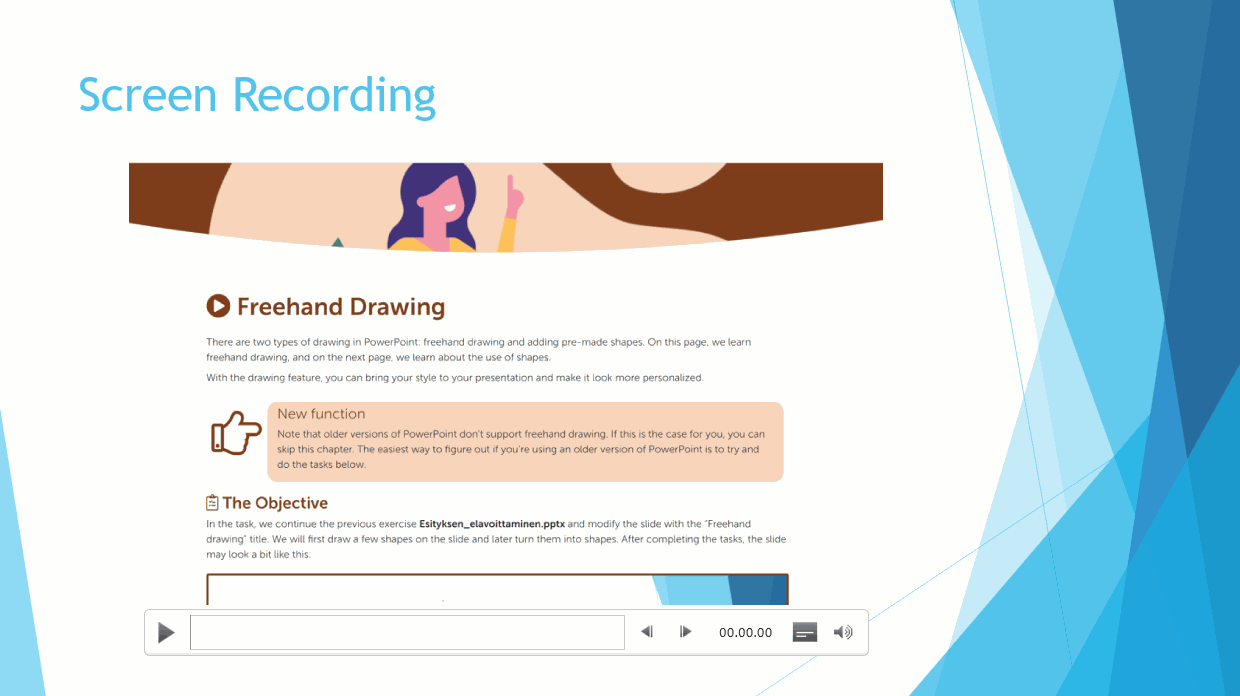
The exercise on this page will be added to the slide with the heading “Screen capture video” in the file Bringing_Presentation_to_Life.pptx. Afterward, the slide might look like the one below:
Diassa, jonka otsikko on näyttötallenne, on liitettynä näyttötallenneMac: Screen capture functionality