Selecting and Editing Ranges
Next, let's delve into how you can make various changes to your workbook and its content. To make changes in Excel, you must first select the cell to which the changes apply, so let's practice that next. After that, we will learn more about various formatting possibilities, such as changing the size of rows and columns and adding and removing them.
Info: Selecting a cell, column or a row
In Excel, you can select individual cells or whole rows and columns by clicking the desired area with your mouse.
| #### Select cells | #### Select columns | #### Select rows |
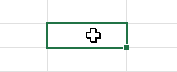 |
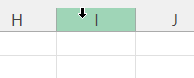 |
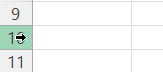 |
Video: Row heights and column widths
Task: Change the width of the column to your liking
Continue working on the Input of data sheet.
Increase the size of column A so that the name you typed in earlier to cell A2 becomes fully visible.
Video: Adding rows and columns
Task: Add a new row and a new column
Continue working on the Input of data sheet.
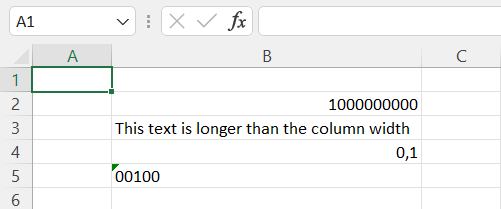
First, add a new row above row 1 and a new column before column A.
| #### Before | #### After |
 |
 |
Video: Deleting rows and columns
Task: Delete a row and a column
Continue working on the Input of data sheet..
Now delete the row and the column you added.
Next, let's practice how sheets and data content can be modified in different ways. To proceed, click on the button below to confirm that you have gone through all the materials on this page and completed the assignments.
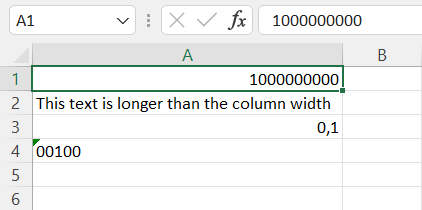
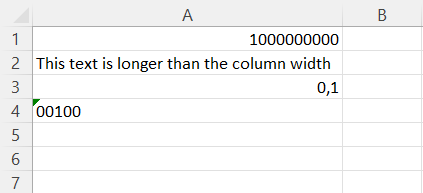
Your workbook should look something like this by now:
Have you finished the assignments for this chapter? Does your workbook look as it should?